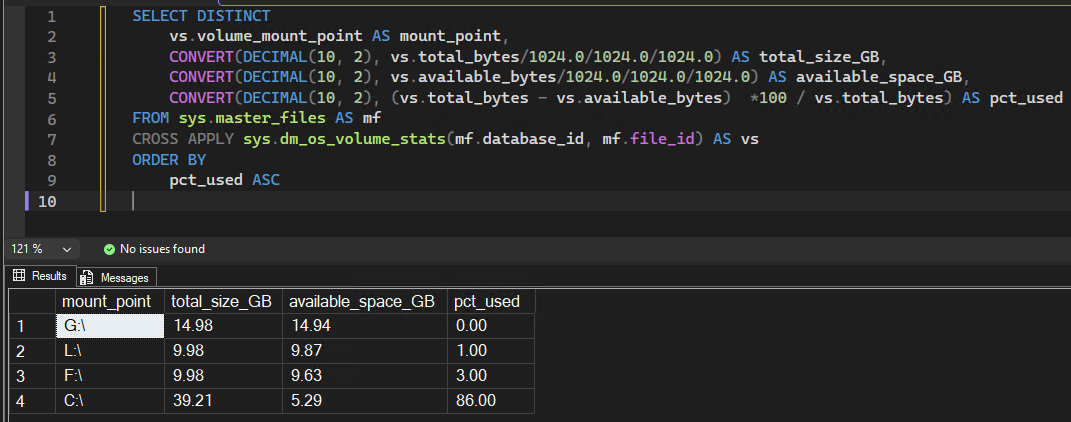
Sometimes you just want a quick way to view the sizes of the disks hosting databases and how much space is available right from SSMS.
This script does just that.
-- Add a WHERE before the ORDER BY to filter on a particular disk or threshold
SELECT DISTINCT
	vs.volume_mount_point AS mount_point,
	CONVERT(DECIMAL(10, 2), vs.total_bytes/1024.0/1024.0/1024.0) AS total_size_GB,
	CONVERT(DECIMAL(10, 2), vs.available_bytes/1024.0/1024.0/1024.0) AS available_space_GB,
	CONVERT(DECIMAL(10, 2), (vs.total_bytes - vs.available_bytes)  *100 / vs.total_bytes) AS pct_used
FROM sys.master_files AS mf
CROSS APPLY sys.dm_os_volume_stats(mf.database_id, mf.file_id) AS vs
ORDER BY
	pct_used ASCSQL
The image was taken from my small test server, but gives an idea of what to expect